Ergonomic Study Chair Guide — Posture, Pricing, and Long-Session Comfort
Ergonomic study chairs compared: Herman Miller vs Steelcase vs budget mesh chairs. Posture science, back pain prevention, and value across price tiers.
Students sit 8-12 hours daily during intensive periods. Per Mayo Clinic and NIOSH ergonomic research, this prolonged sitting in poorly-designed chairs causes measurable health problems — lower back pain, neck strain, hip tightness, and reduced focus from discomfort. Investing in a quality ergonomic chair is one of the highest-ROI health and productivity decisions students can make.
This article uses Wirecutter testing, Cornell ergonomics research, Mayo Clinic guidance, Consumer Reports reviews, and direct ergonomic principles to evaluate study chairs. Topics include posture science, premium chair value, budget alternatives, used office chair market, and standing desk considerations.
For complementary content, see best laptops for students data and study headphones tested.
Posture science
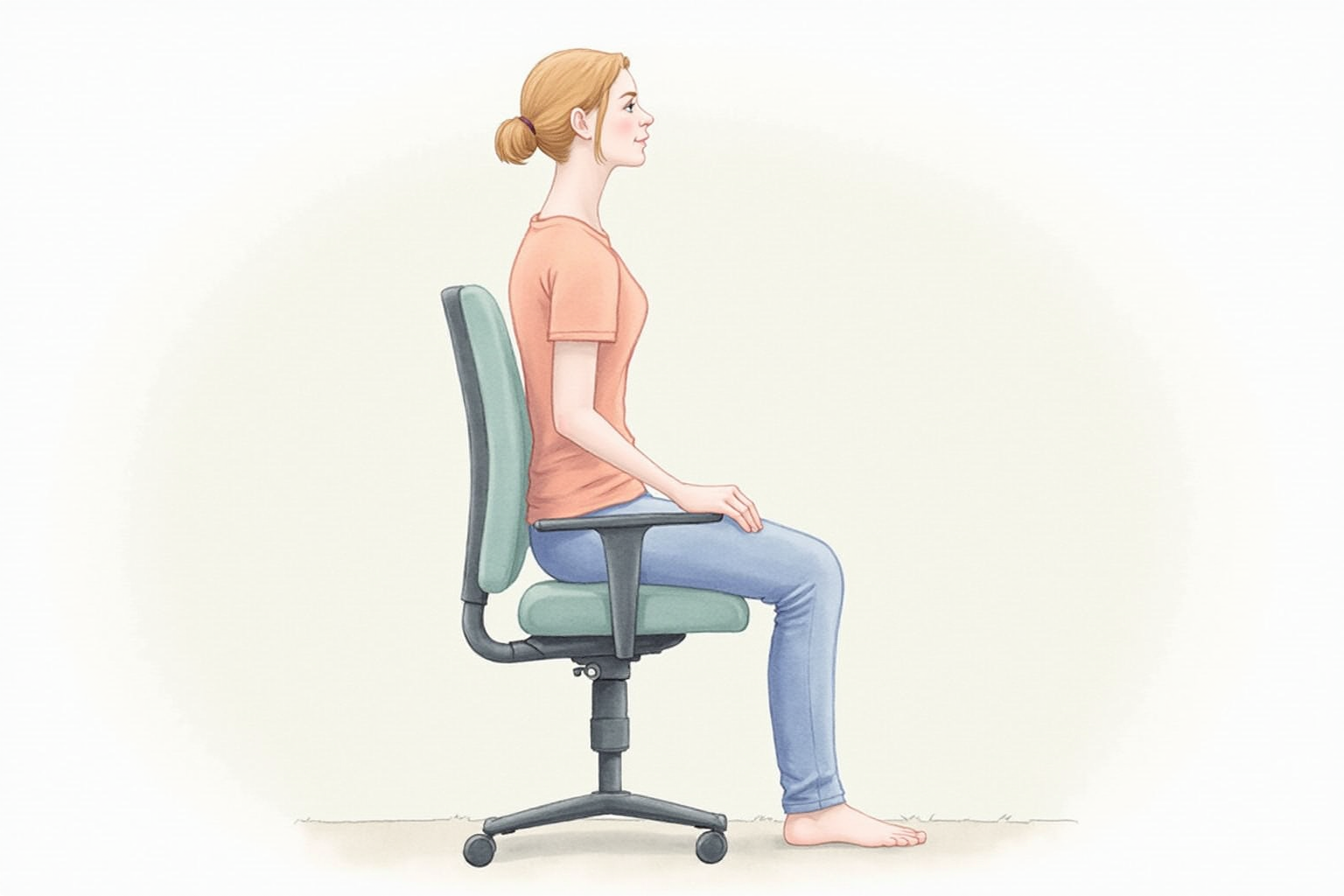
Per Mayo Clinic and Cornell University ergonomic research, proper seated posture includes:
Feet flat on floor or footrest with thighs roughly parallel to floor.
Back supported by chair lumbar curve — chair should fill lumbar arch, not flatten it.
Hip-knee angle 90-110 degrees — neutral hip position.
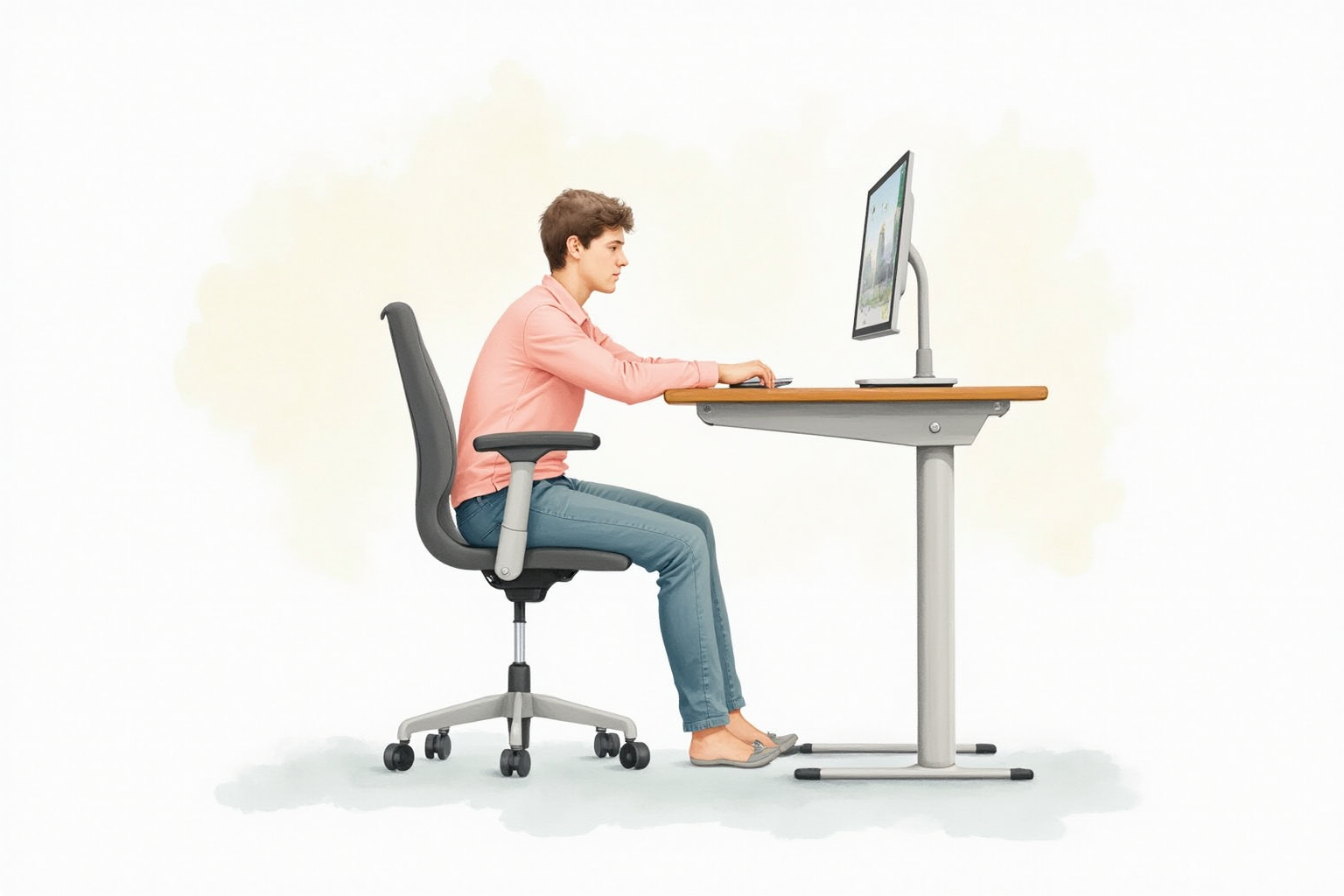
Elbow angle 90-120 degrees at keyboard, shoulders relaxed.
Top of monitor at or slightly below eye level to maintain neutral neck position.
Screen 20-30 inches from eyes to reduce eye strain.
Most students sit with poor posture: forward-leaning, slouched lumbar, raised shoulders, head tilted forward toward screen. A quality chair makes proper posture comfortable; a poor chair requires effort to maintain proper position.
Premium tier: Herman Miller Aeron
Herman Miller Aeron Size B (medium)
Price · $1,395-1,775 (new) or $400-700 (used)
+ Pros
- · 12-year warranty — durable 15-25 years of daily use
- · Breathable mesh throughout
- · Sophisticated PostureFit SL lumbar support
- · Multiple adjustment options for personalization
− Cons
- · Premium pricing significant barrier
- · Less padding than some prefer (mesh aesthetic)
- · Three size options can confuse first-time buyers
Herman Miller Aeron is the consistent reference standard for ergonomic chairs. Per Wirecutter’s 10+ years of testing, it remains the top recommendation for users who can afford it and will keep using a chair 10+ years.
The math justifies premium pricing for long-term users: $1,500 over 15 years equals $100/year. Budget chairs lasting 3-5 years cost $80-200/year over equivalent time with worse experience.
For students who anticipate continuing desk work careers (engineering, software, design, writing, finance), buying Aeron during college serves through 15-25 years.
Premium alternative: Steelcase Leap V2
Steelcase Leap V2
Price · $1,000-1,300 (new) or $400-600 (used)
+ Pros
- · LiveBack technology adjusts to spinal movement
- · 12-year warranty
- · More padding than Aeron — preferred by some
- · Strong used market for value buyers
− Cons
- · Less breathable than mesh chairs
- · Bulkier appearance than Aeron
- · Premium pricing
Steelcase Leap V2 is the consistent alternative to Aeron — more padding, similar warranty, comparable longevity. The choice between Aeron and Leap often comes down to personal preference (mesh vs padded).
Mid-tier: Steelcase Gesture and Branch Ergonomic
Steelcase Gesture ($1,200-1,500) — designed for modern device use, supports more diverse postures including using laptops in lap-like positions.
Branch Ergonomic Chair ($329-449) — direct-to-consumer brand offering 70-80% of premium chair experience at fraction of price. Strong mid-tier value.
Autonomous ErgoChair Pro ($349-449) — popular DTC alternative with strong reviews and 2-year warranty.
For students with $300-500 budget, Branch Ergonomic Chair or Autonomous ErgoChair Pro offer real ergonomic benefit without premium pricing.
Budget tier: under $300
HON Ignition 2.0 Mid-Back Mesh Chair
Price · $220-320
+ Pros
- · Real ergonomic adjustments (lumbar, armrests, tilt)
- · Mesh back for breathability
- · 5-year warranty — better than typical budget
- · Strong reviews from office workers
− Cons
- · Less material refinement than premium
- · Some assembly required
- · Heavier than premium options
HON Ignition 2.0 represents the realistic budget option — actual ergonomic features (vs decorative adjustments on truly cheap chairs), durable build, reasonable price. For students who can’t justify premium chair purchase, this delivers real benefit.
Other respectable budget options: SIDIZ T80 ($300-400), Hbada Office Chair ($150-200), AmazonBasics Mid-Back ($150-200, decent for value).
Used market
The used premium chair market offers excellent value:
Herman Miller Aeron used: $400-700 typical. Sources: Crandall Office Furniture (reputable refurbisher with warranty), Madison Seating, eBay, Facebook Marketplace office liquidation sales.
Steelcase Leap V2 used: $400-600. Same sources.
Steelcase Gesture used: $500-700. Less common but available.
Used premium chairs often beat new budget chairs on every metric: build quality, longevity, ergonomic sophistication, materials. Caveat: check mesh/upholstery condition, mechanism function, and warranty transferability.
For students with $400-700 budget, used Aeron or Leap is the strong recommendation.
What to avoid
Cheap “gaming chairs” ($150-300) — racing-car aesthetic, poor lumbar support, low-quality materials. Despite marketing, ergonomically inferior to dedicated office chairs at same price.
Generic Amazon “ergonomic chairs” under $150 — decorative adjustments without real engineering. Mesh tears within 2 years, mechanisms fail.
Folding/stackable chairs — common in dorms but causing back problems with extended use.
Bar stools as desk chairs — sometimes used for standing desks, often without back support, problematic for long sessions.
Setup tips beyond the chair
Even great chairs work poorly without proper setup:
Monitor height: top of screen at or just below eye level. Most students place monitors too low. Laptop users need external monitor or laptop stand to achieve proper height.
Keyboard at elbow height: hands hover slightly above. Cheap external keyboards on cheap stand often work.
Mouse at same height as keyboard: avoid reaching forward.
Feet support: footrest if your chair is too high for your height. Quality footrest $30-50.
Movement breaks: even perfect setup is bad after 60-90 minutes. Stand and move every hour minimum.
Lighting: bright enough to avoid eye strain, not so bright as to reflect on screen.
Standing desk integration
Per Mayo Clinic guidance, alternating sitting and standing is healthier than either pure mode.
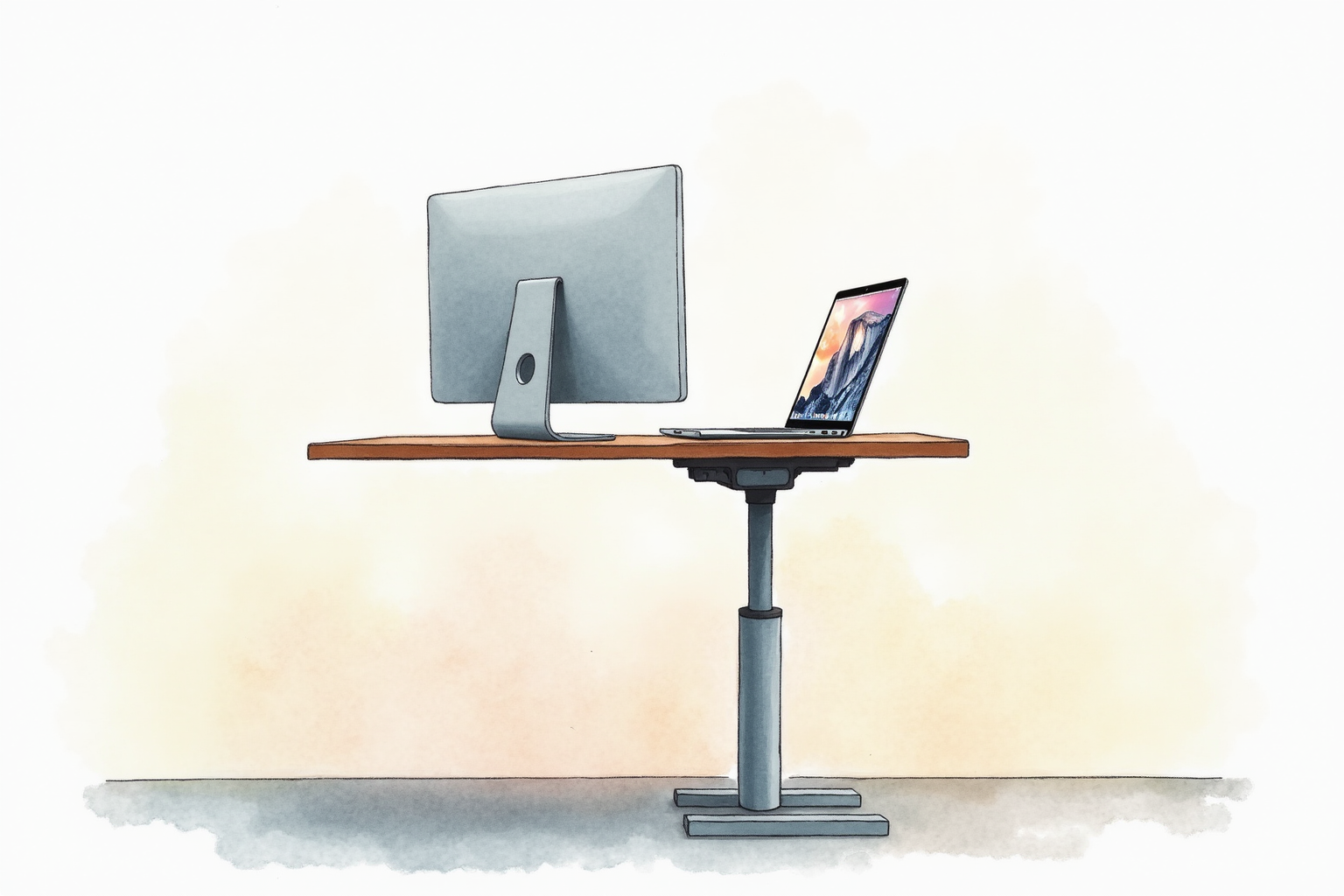
Standing desk converters ($150-300) sit on existing desk, raise to standing height. Brands: VARIDESK, FlexiSpot, Mount-It. Reasonable mid-tier compromise.
Full standing desks ($300-800) replace existing desk. Adjustable to sit or stand. FlexiSpot E7 ($600), Uplift V2 ($700) are popular options.
For students in dorms, standing desk converter is more practical than full standing desk. For apartment-dwelling students with stable setup, full standing desk pays back through years of use.
Don’t replace sitting entirely. Stand for 20-40 minute intervals during long sessions. Combine with break stretching.
Bottom line
For students who will continue desk work careers: Herman Miller Aeron (new $1,500 or used $400-700) is the long-term right choice. The math justifies premium for 10+ year use.
For mid-tier budget: Branch Ergonomic Chair ($329) or Autonomous ErgoChair Pro ($349) deliver real ergonomic benefit.
For budget under $300: HON Ignition 2.0 ($220-320) is the realistic floor for ergonomic chairs worth having.
For best value-for-money: used Steelcase Leap V2 or Herman Miller Aeron from reputable refurbisher ($400-700).
Avoid: gaming chairs, cheap Amazon “ergonomic” chairs under $150, folding chairs for primary study seat.
Pair quality chair with proper setup (monitor height, keyboard position, footrest) and regular movement breaks. Even great chairs work poorly without correct setup.
For complementary reading, see best laptops for students data, study headphones tested, and the student tech category.