Tablet vs Laptop for Students — Real Use Case Analysis
Tablet vs laptop for students: iPad with keyboard vs MacBook Air vs Surface Pro. Note-taking research, real workflow comparisons for college use.

The tablet vs laptop decision for students has matured significantly. iPads with keyboards and pencils now handle most college coursework, while Surface Pro offers true Windows-laptop experience in tablet form factor. The right choice depends on major, workflow, and budget — but for many students, a well-chosen tablet outperforms an equivalent laptop in real-world use.
This article uses Mueller and Oppenheimer’s handwriting research, Wirecutter and PCMag tablet reviews, RTINGS measurement data, and Reddit student community feedback to evaluate tablets vs laptops for students. Topics include note-taking benefits, real workflow comparisons, ecosystem trade-offs, and price-tier recommendations.
For complementary content, see best laptops for students data and study headphones tested.
The handwriting research
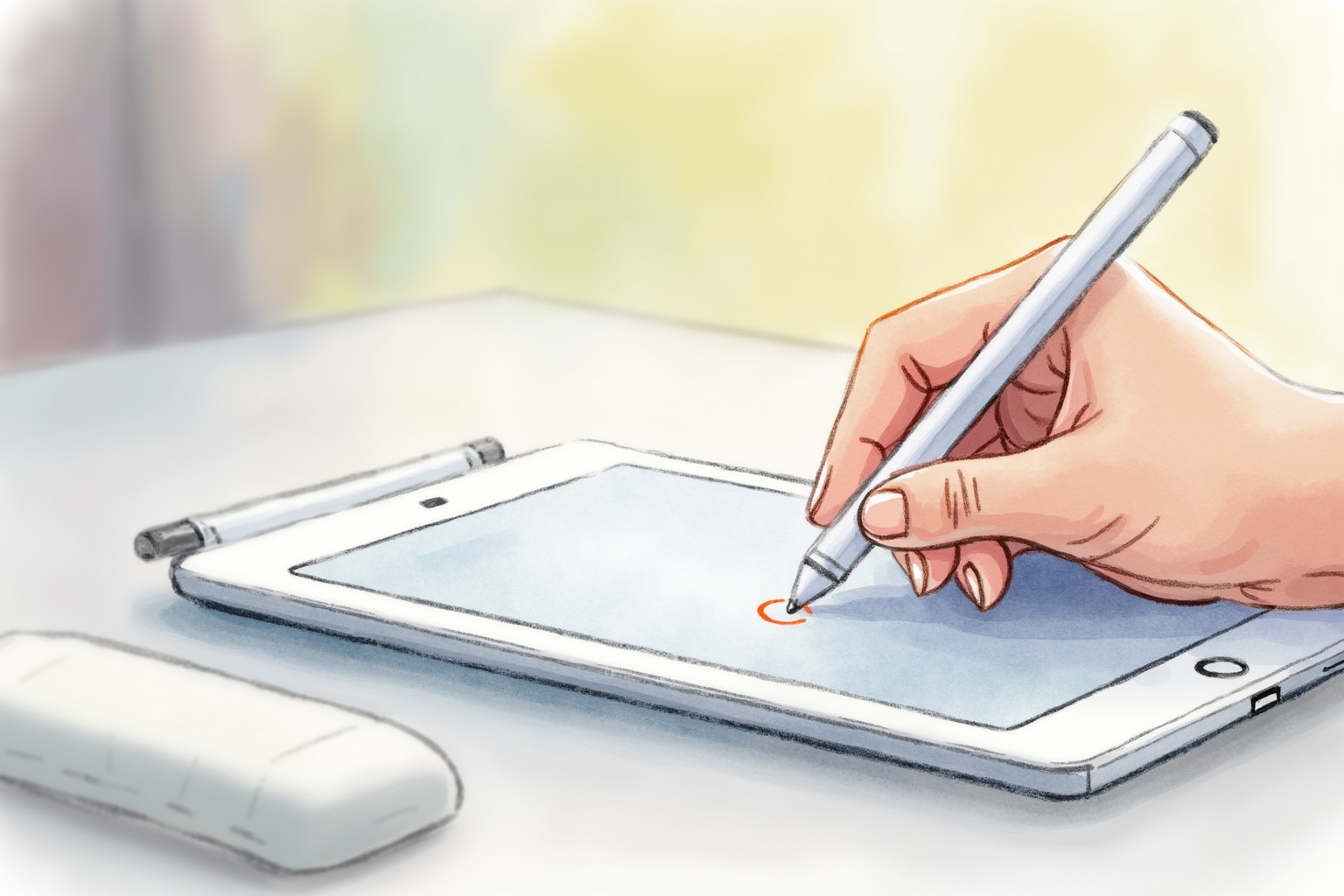
Per Mueller and Oppenheimer’s landmark 2014 study (Psychological Science), students who took longhand notes during lectures showed 30-40% better conceptual understanding than students taking typed notes on laptops. The mechanism: handwriting is slower than typing, forcing students to synthesize and select important content rather than transcribe verbatim.
This research has been widely replicated and extended. The current consensus: handwritten notes during lectures produce better long-term retention and conceptual understanding than typed notes for most students.
The traditional implication: bring a notebook to class. The modern implication: iPad with Apple Pencil captures handwriting’s cognitive benefits while adding digital convenience (searchable notes, sharing, organization, no lost notebooks).
Tablet as primary device

For students whose work is reading + writing + research, a tablet plus keyboard can replace a laptop entirely.
iPad Pro 11-inch M2 + Magic Keyboard + Apple Pencil
Price · $1,098-1,498 (combined education)
+ Pros
- · Excellent handwriting with Apple Pencil 2
- · 15+ hours battery life
- · Lightweight at 1.0 lb tablet only
- · Magic Keyboard converts to laptop-like experience
− Cons
- · Premium price for full setup
- · iPadOS limitations for power user workflows
- · No Windows software compatibility
The iPad Pro plus Magic Keyboard plus Apple Pencil combination is the most polished tablet-as-laptop setup available. Total cost ($1,098-1,498 with education discount) is competitive with mid-range laptops while offering handwriting benefits laptops can’t match.
Best for: students prioritizing note-taking quality, design students, education majors, students reading lots of PDFs and ebooks.
Surface Pro — Windows in tablet

For Windows-required workflows, Microsoft Surface Pro offers true laptop-replacement tablet experience.
Surface Pro 9 + Type Cover + Surface Pen
Price · $1,200-1,800 (configured)
+ Pros
- · Full Windows compatibility — runs all PC software
- · Excellent display and Surface Pen handwriting
- · Detachable keyboard for tablet-mode flexibility
- · Strong stylus latency competitive with Apple Pencil
− Cons
- · Premium pricing once configured with accessories
- · Battery shorter than iPad Pro (8-10 hours real)
- · Heavier than iPad Pro plus keyboard
Surface Pro 9 (and 10) appeal to students needing Windows software compatibility (engineering, certain business tools, specialized academic software) while wanting tablet flexibility. The pen experience is now competitive with Apple Pencil.
Budget tablet options

iPad 10th gen + Apple Pencil 1 + third-party keyboard: $480-530 total. Capable handwriting and note-taking for most students. Best value-conscious tablet setup.
iPad Air M2 + Pencil + Magic Keyboard: $799-1,099 range. Compromise between iPad Pro and budget iPad. Strong middle-ground option.
Samsung Galaxy Tab S9 FE + S Pen: $450-550. Android alternative with included S Pen, good for Android ecosystem users.
Surface Go 4 + Type Cover + Pen: $579-779 total. Windows entry-level tablet, good for occasional Windows software needs.
Avoid budget Android tablets under $300 — poor performance for note-taking apps, limited app ecosystem for academic use.
Note-taking apps
For tablet note-taking effectiveness, app choice matters as much as hardware.
GoodNotes 6 ($29.99 one-time) — top recommendation per Wirecutter and Reddit consensus. Polished handwriting, searchable notes, OCR for text conversion, strong PDF annotation.
Notability ($14.99/year subscription) — strong alternative to GoodNotes with audio recording synced to handwriting timeline.
Apple Notes (free, built-in) — surprisingly capable for basic note-taking, syncs across Apple devices, handwriting recognition. Sufficient for many students at zero cost.
OneNote (free, cross-platform) — Microsoft’s note-taking app with full handwriting support, excellent for students in Office 365 ecosystems.
Obsidian + Excalidraw — for PKM-focused students who want to combine handwriting with structured notes.
Real workflow tests
Per student feedback and Wirecutter testing, tablet-as-laptop works well for:
Lecture note-taking with handwriting: tablet wins by significant margin. iPad + Apple Pencil + GoodNotes captures handwriting benefits.
Reading textbook PDFs and ebooks: tablet wins. Comfortable reading position, easy highlighting, lighter to hold.
Writing essays (1,000-3,000 words): laptop wins on keyboard quality. Magic Keyboard close but not equal to laptop keyboards.
Research with multiple windows: laptop wins. Tablet split-screen exists but less comfortable than laptop multitasking.
Group projects and screen sharing: laptop wins. Video conferencing, shared documents, multi-window work better on laptop.
Long writing sessions (5,000+ words, thesis work): laptop wins decisively. Sustained typing comfort matters.
Major-specific recommendations
Liberal arts (history, English, philosophy): tablet + keyboard works well. Heavy reading + writing benefits from tablet form factor.
Design and visual arts: iPad Pro is often primary device. Procreate, Affinity Designer, Adobe Creative Suite on iPad handle most design work.
Education: tablet excellent. Lots of reading, lesson planning, handwritten lesson materials.
Business: laptop preferred. Spreadsheet-heavy workflows favor laptop screens and keyboards.
Pre-med / medicine: tablet plus laptop combination ideal. Tablet for note-taking lectures and reading; laptop for research papers and assignments.
Engineering, CS: laptop primary. Software development, CAD, simulations require desktop OS and good keyboards.
Math, sciences: tablet handwriting useful for problem sets. Laptop needed for some software (Mathematica, MATLAB).
Combined setups
For students with budget, combining iPad ($349-799) with cheaper laptop ($500-800) often works better than premium iPad Pro + Magic Keyboard ($1,500+) alone.
The combination handles all use cases: tablet for note-taking and reading, laptop for typing-heavy work. Total cost often comparable to single premium iPad Pro setup.
Used MacBook Air M1 ($699-899) plus iPad 10th gen + Pencil ($428) = $1,127-1,327 covers both forms.
Bottom line
For most students, the recommendation depends on workflow:
Heavy note-taking + reading: iPad Pro + Magic Keyboard + Apple Pencil. Handwriting benefits matter for learning.
Heavy typing (writing, research): MacBook Air or equivalent laptop. Sustained typing wins.
Mixed (typical liberal arts student): combined iPad (cheaper) + laptop (cheaper) often beats single premium device.
Windows requirement: Surface Pro or Windows laptop. Avoid trying to make iPad work with Windows-only software via cloud.
Tight budget: iPad 10th gen + Pencil + cheap keyboard ($480) plus borrowed/library laptop for typing work.
For complementary reading, see best laptops for students data, study headphones tested, and the student tech category.